 Bags
Bags Canned Foods
 Cooking Oil
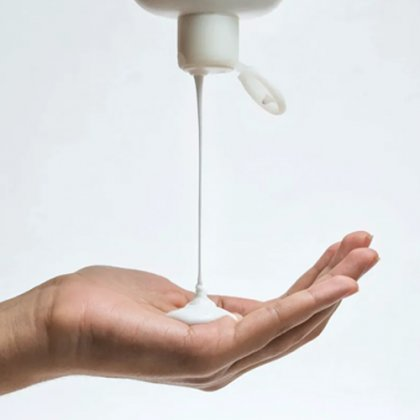 Creams
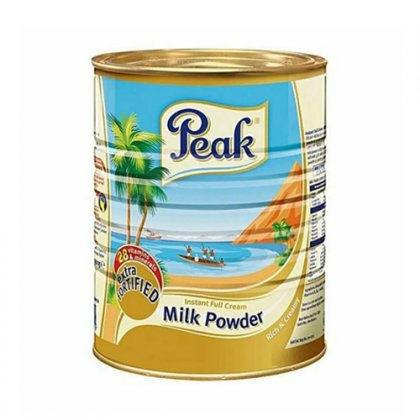 Drink Mixes
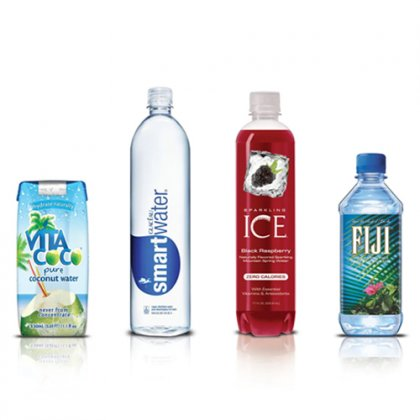 Drinks
 Fish & Seafood
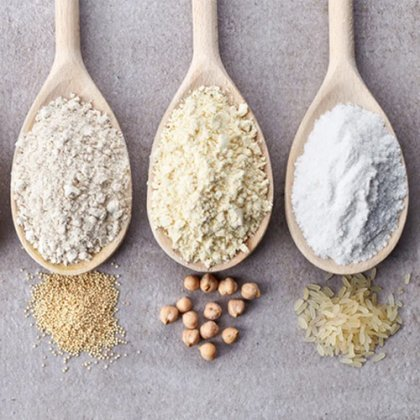 Flours
 Gels
Gels Lotions





Listing an item is simple. Upload some photos then include a description and a brand name.
Sept 1. Taking good photos
-
We recommend using natural lighting to capture the item’s color.
Be sure to make the first photo your best – it’ll be the first thing a shopper sees.
Setp 2. Describing your item
-
Include the condition, color, size, category, and any flaws the item might have.
-
Add the brand name if you have it – lots of shoppers search for specific brands.
-
For some items, Item Instock may recognize the item and input item details for you. You can still edit these details before listing.
Setp 3. Pricing it right
-
Check out similar sold listings to see what your item might sell for.
-
Set up Smart Pricing from the listing page. Just name a start price and a floor price – we’ll gradually lower it based on market demand.